
Flexibility for the Hybrid Workplace
Our first major update of 2026 is officially available. SoftwareCentral 26R1.1 is now ready for deployment, bringing a heavy focus on the practical realities of managing hybrid environments.
We made this release as a direct response to the feedback we have received from infrastructure teams who are balancing the move to the cloud while maintaining robust on-premises systems.
Custom Apps and the Hybrid Advantage
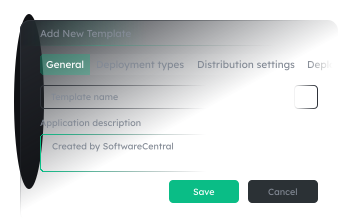
The most significant shift in this version is how we handle third-party packaging. While standard app catalogs are useful, most of you manage bespoke applications that require specific configurations. You can now use your Custom Applications from Robopack directly within SoftwareCentral.
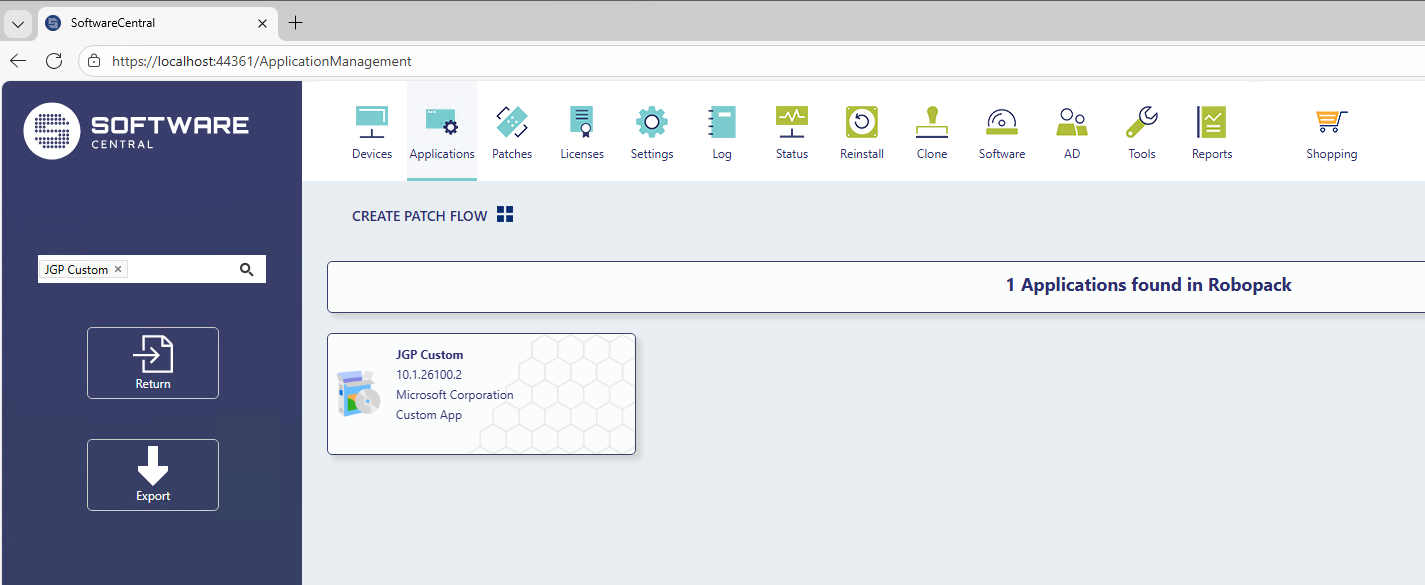
We have seen a growing number of teams who want to leverage Robopack’s modern packaging but aren’t ready to abandon ConfigMgr (SCCM) just yet. This update makes that hybrid workflow seamless. You can manage these custom packages, set alternative package shares, and run advanced phased deployments without switching between different toolsets. If you have been looking for a more flexible alternative to traditional patching services, this integration is designed to give you that control back.
Streamlined Identity Management with TAP
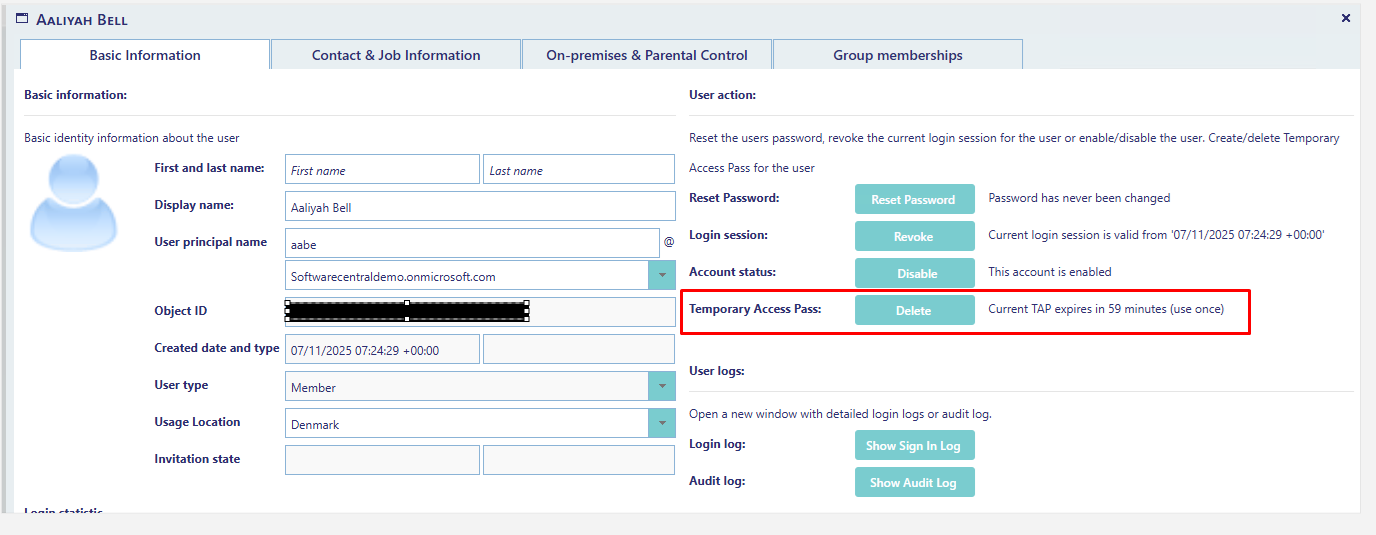
Onboarding new employees or helping users recover from lost credentials is often a high-friction process for the helpdesk. To address this, we have introduced support for Temporary Access Pass (TAP) for Entra-ID users.
You can now generate these secure, time-limited passcodes directly from the user interface. This allows for a completely passwordless onboarding experience or a secure way for users to set up their MFA without the usual back-and-forth. It’s a small but powerful addition that significantly reduces the time spent on initial login issues.
Better Visibility for MECM and AD
A large part of an admin’s day is spent hunting for information across different consoles. We wanted to consolidate that data. For those still managing devices through ConfigMgr, 26R1.1 adds the ability to view BitLocker recovery keys and LAPS status directly in the SoftwareCentral device view.
In the same vein, we have improved the data available for AD users. You can now see password expiry dates, the last time a password was set, and the “age” of a password at a glance. When a user calls in because they can’t access their resources, you have the answer in seconds rather than having to dig through Active Directory attributes.
Refinements to the Intune Workflow
We’ve prioritized these Intune updates based on the specific deployment scenarios and feedback you’ve shared with our support team. This release adds support for Assignment Filters, giving you much finer control over application deployments. We have also added the ability to update .intunewin files directly, which simplifies the lifecycle management of your cloud apps.
We are incredibly grateful for the requests and bug reports you send to our support team. Many of the fixes in this release—ranging from API improvements to UI tweaks in the Shop—exist because you took the time to tell us what wasn’t working.
SoftwareCentral 26R1.1 is a testament to the fact that we are building this tool alongside our users. We are excited for you to get your hands on these new features and see how they improve your daily operations.