


Intune is a powerful tool, but once you start managing devices at scale you will realise how many clicks it takes to do anything.
You’ve got your policies, your compliance, and your apps, but trying to get a clear picture of one specific device usually means jumping between three or four different blades just to see what’s actually happening. Did you know there are over 100 different reports in Intune? Are they all within reports? Of course not, it is multiple clicks to get to each one and getting an overview of the whole tenant is painful!
When we started building Tenant Manager, we focused on the big picture stuff: backups, drift detection, and better logging. But lately, we have been looking at the operational side, trying to make day-to-day Intune management easier.
We have been there, you are busy fighting fires, setting up new devices, dealing with tickets and just don’t have the freetime to do anything fun anymore.
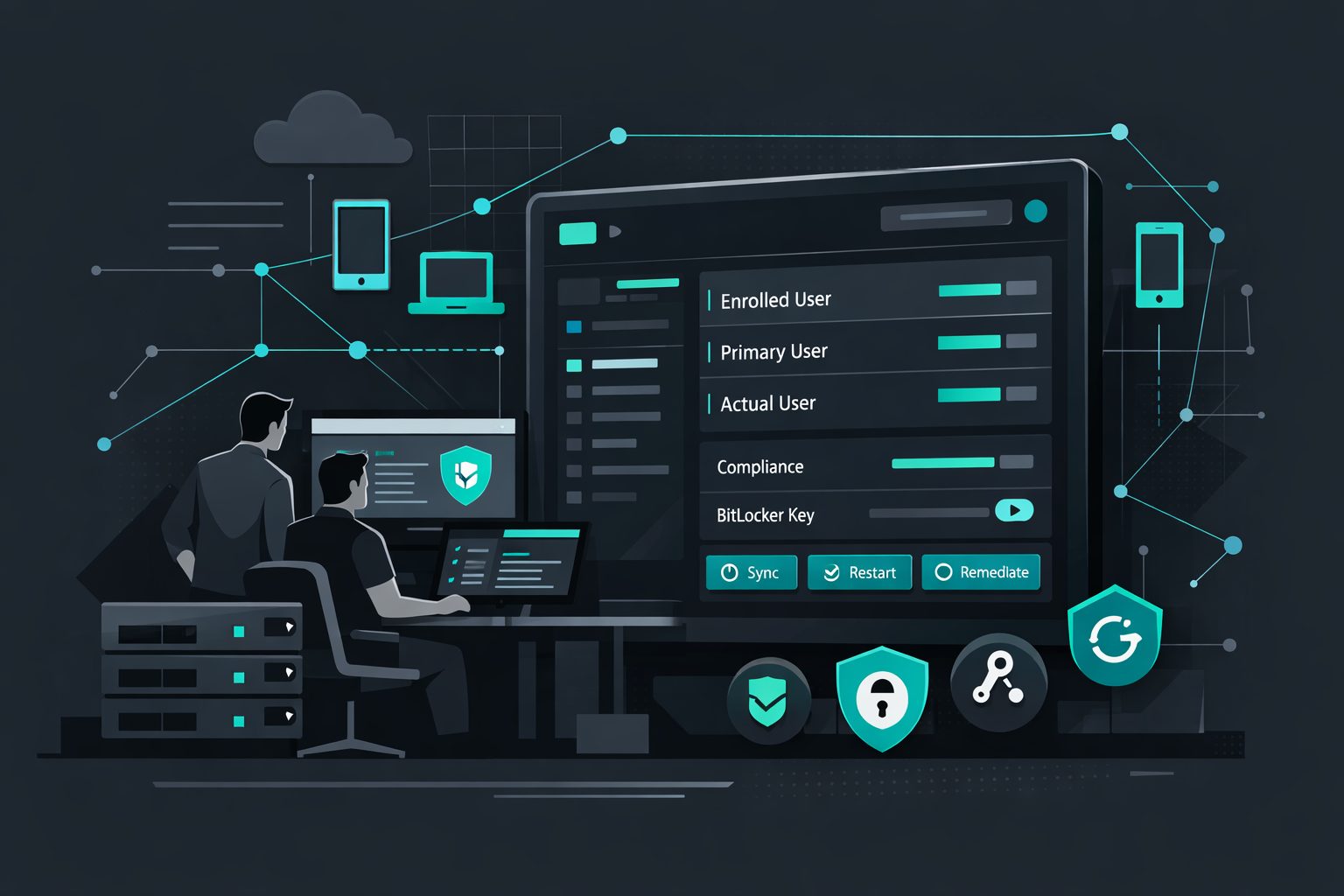
A ticket comes in, you open the device in Intune, and you see a Primary User. But half the time, that’s just the person who went through OOBE six months ago. In the real world, devices get reassigned, borrowed, or handed off. We wanted to fix that guesswork. Now, when you pull up a device in Tenant Manager, we show you the Enrolled User, the Primary User, and the Actual User. It sounds like a small detail, but when you’re troubleshooting a licensing conflict or a group membership issue, having that context in one view saves a lot of clicking around.
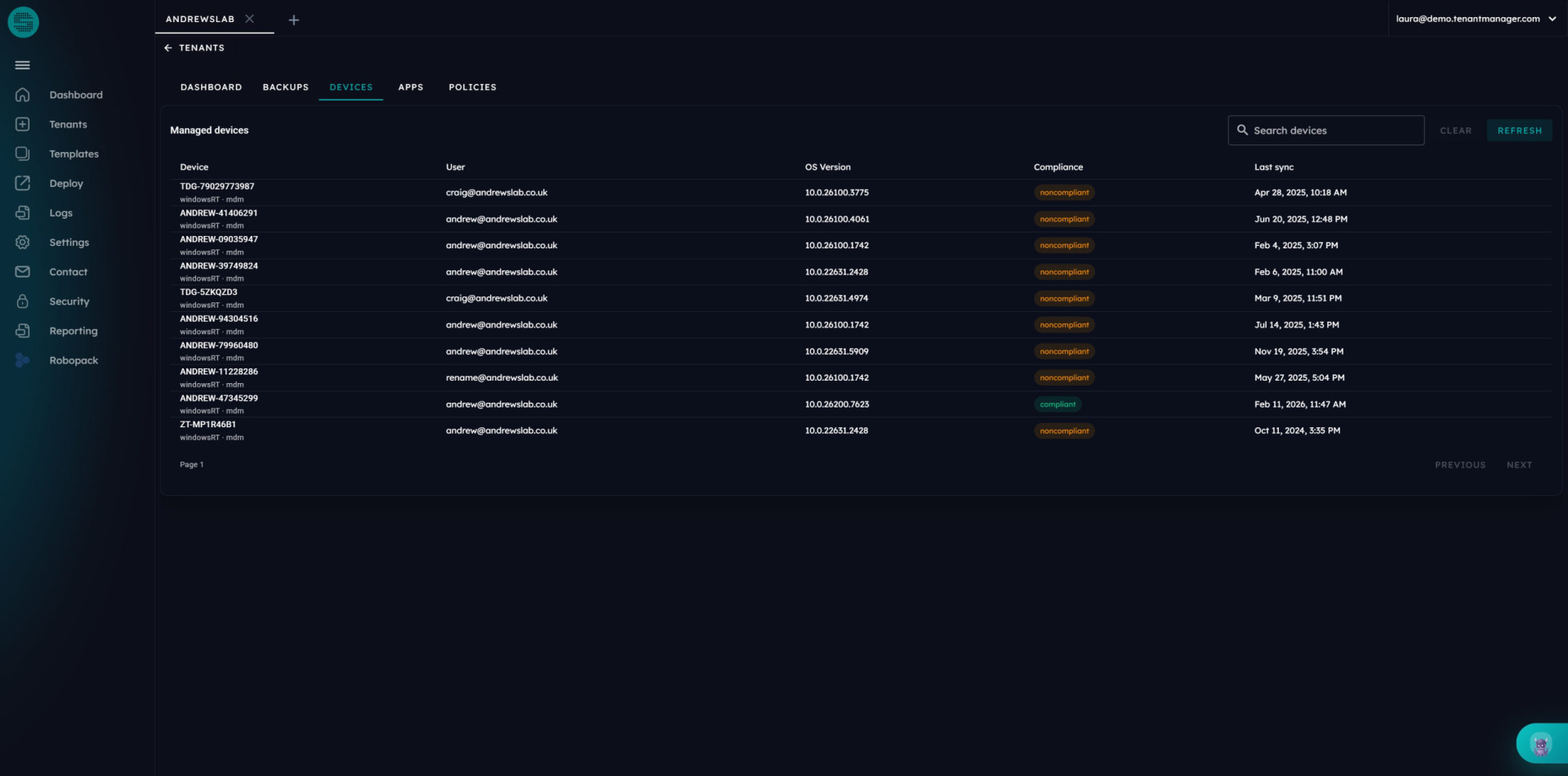
If a user calls because they’re locked out and need a BitLocker key, or someone in the department needs a LAPS password, your servicedesk will need access to the Entra or Intune portal, not an ideal situation to retrieve a key. Yes, you can fight with Intune RBAC to tighten things, but that’s a painful process. We’ve brought those operational tasks into a single workspace. You can trigger a sync, a restart, or rotate a BitLocker key right there. We aren’t inventing new Intune capabilities, we have never been looking to replace Intune, we compliment it.
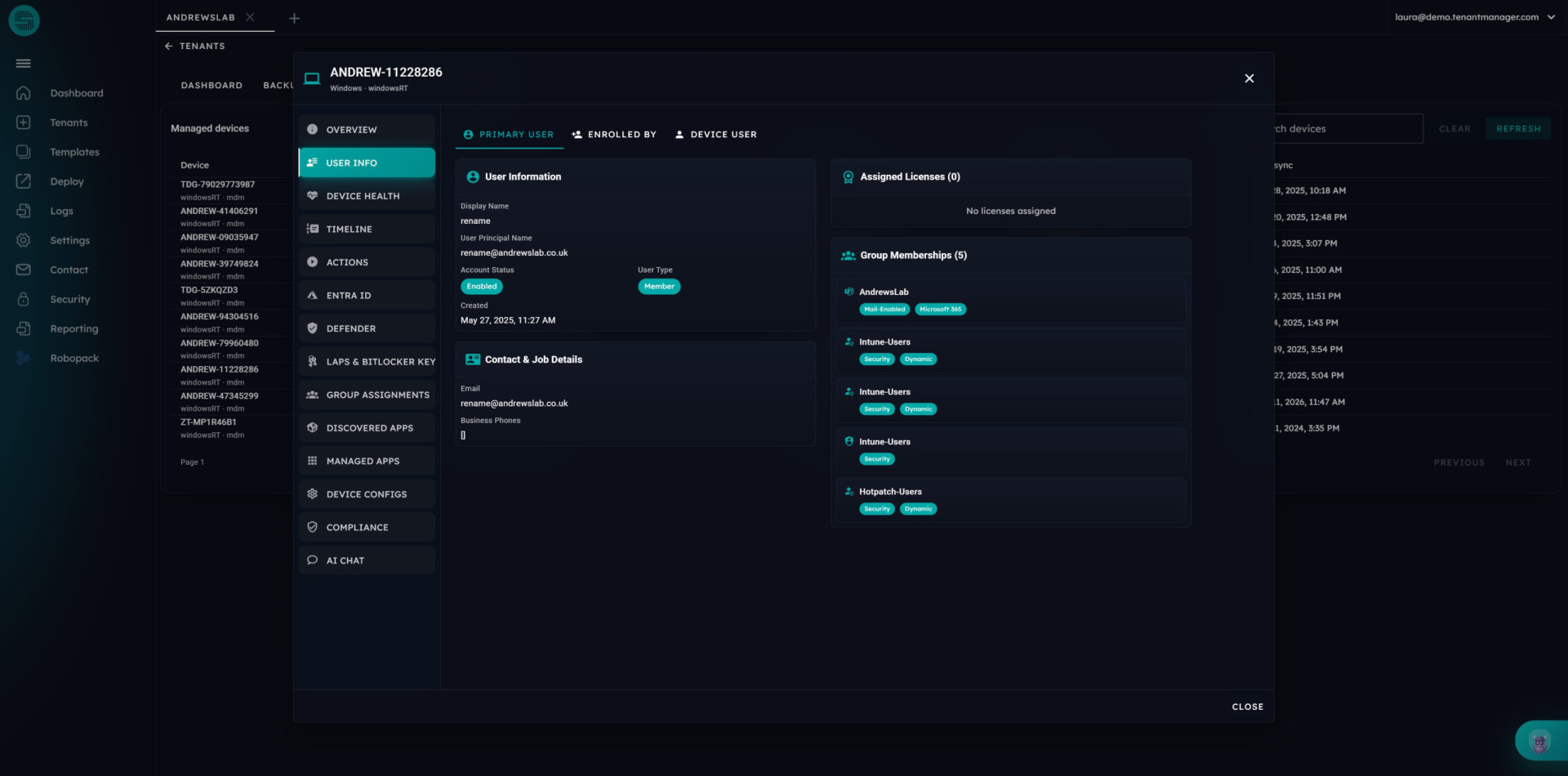
We’ve all got those PowerShell scripts we keep in a folder for common fixes. Low disk space, secure boot certificate (thanks for that one Microsoft), that kind of thing. Instead of remoting into a machine or trying to run an ad-hoc script, we’ve added on-demand remediations. If a device is acting up, you can trigger a predefined fix directly from the device view, using the built-in remediations on demand functionality within Intune. You don’t want agents on the device, we don’t want agents on the device!
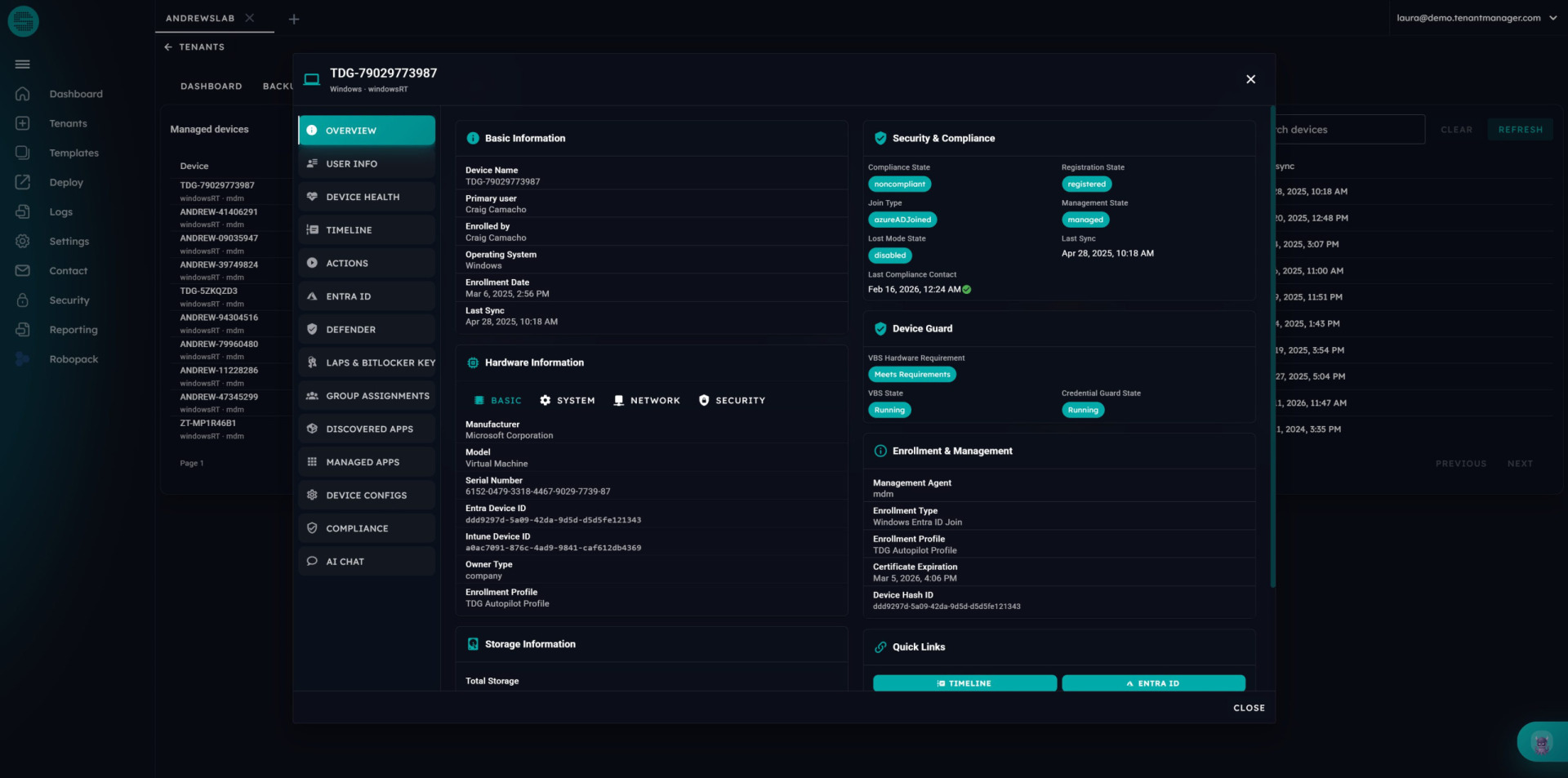
We aren’t trying to replace the Intune console. Microsoft is great at the control plane. We’re just building the operational layer on top of it.
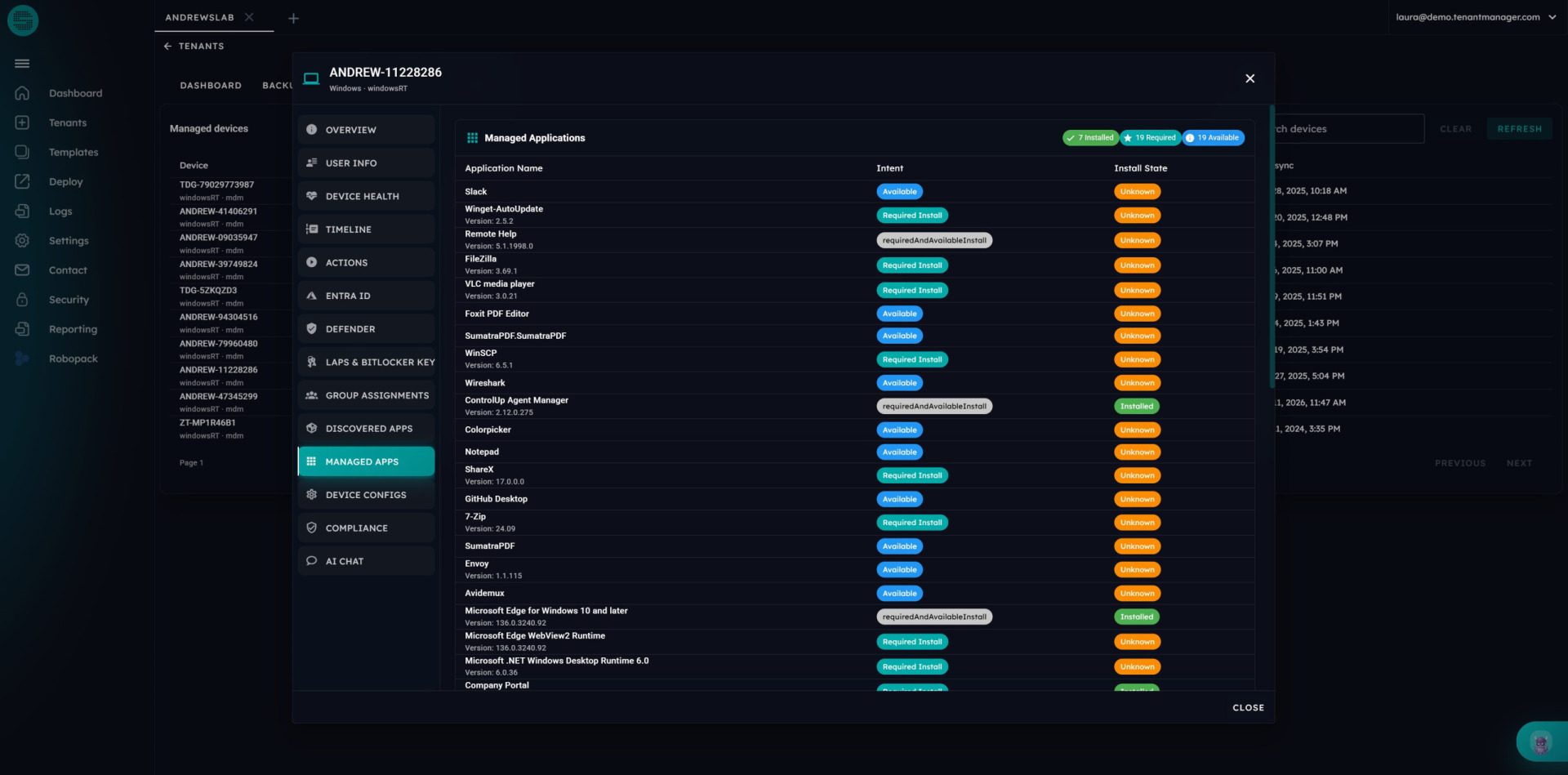
We built this because the clicking around annoyed us, we are sure it annoyed you too. This is just our way of making the daily life of an Intune admin a bit quieter and let you concentrate on the much more exciting tasks.